

PROFESSIONAL BUSINESS EMAIL FOR HOME SERVICE COMPANIES
Professional Business Email That Builds Trust With Every Message
Stop sending estimates, scheduling updates, and customer messages from a generic email address. Marketing Vines helps home service businesses set up professional email using their own domain, giving every team member a consistent, credible address such as name@yourcompany.com
Custom email addresses using your business domain (.com)
Accounts for owners, office staff, and team members
Setup and Configuration by our team members at Marketing Vines
Fast page speeds
More Online Visibility
Increased Brand Authority
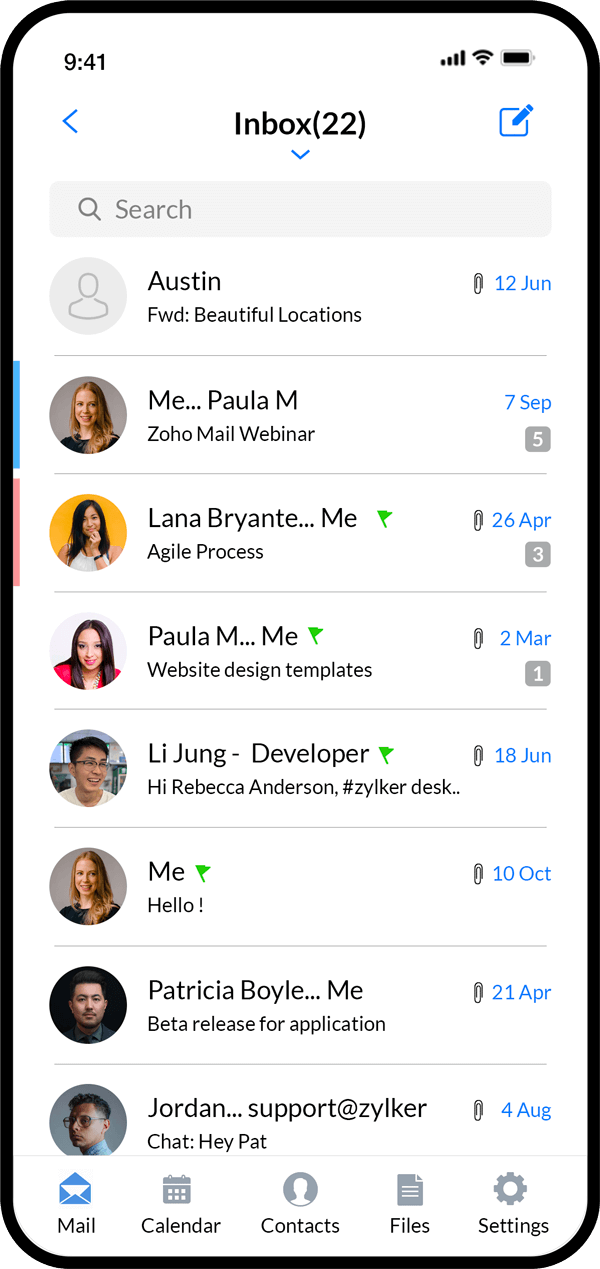
YOUR EMAIL REPRESENTS YOUR BUSINESS
A Professional Email Address Builds Confidence Before You Ever Meet
Homeowners notice the details. An email from
name @yourcompany.com
feels more established and trustworthy than one coming from a personal Gmail, Yahoo, or other free account. Whether you are sending an estimate, answering a question, confirming an appointment, or following up after a job, a custom business email helps your company look organized, credible, and ready to earn the customer’s business. These are all steps that will help your service business stand above the competition in your local area!
BUSINESS EMAIL SETUP & SUPPORT
Everything Your Home Service Business Needs for Professional Email
Marketing Vines handles the technical setup so your team can focus on customers and jobs. We configure your domain, create mailboxes, connect your devices, and make sure your professional business email is ready to use.
Custom domain email addresses
Zoho Mail account configuration
Owner and employee mailboxes
Shared business addresses
DNS and domain configuration
Mobile and desktop Apps
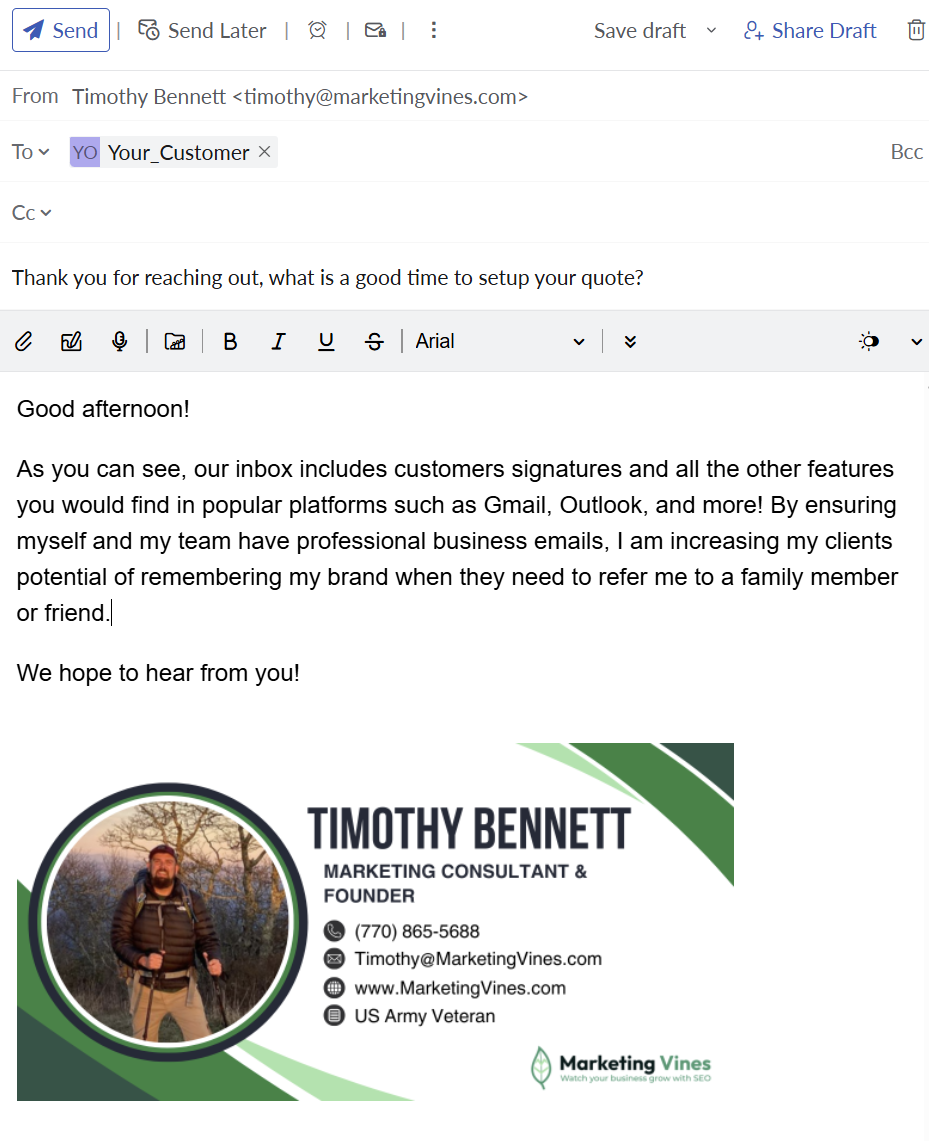
Professional email signatures
Shared calendars with Zoho
Spam Protection through Zoho
Ongoing Email assistance
Your logo is created to scale with your business for years to come.
Future-Proof Branding
Slow Business Growth
You're not sure what's working, what to focus on, or how to scale your plumbing business.
WHY WE RECOMMEND ZOHO MAIL
Zoho Business Email Gives Small Teams Professional Tools Without the Complexity
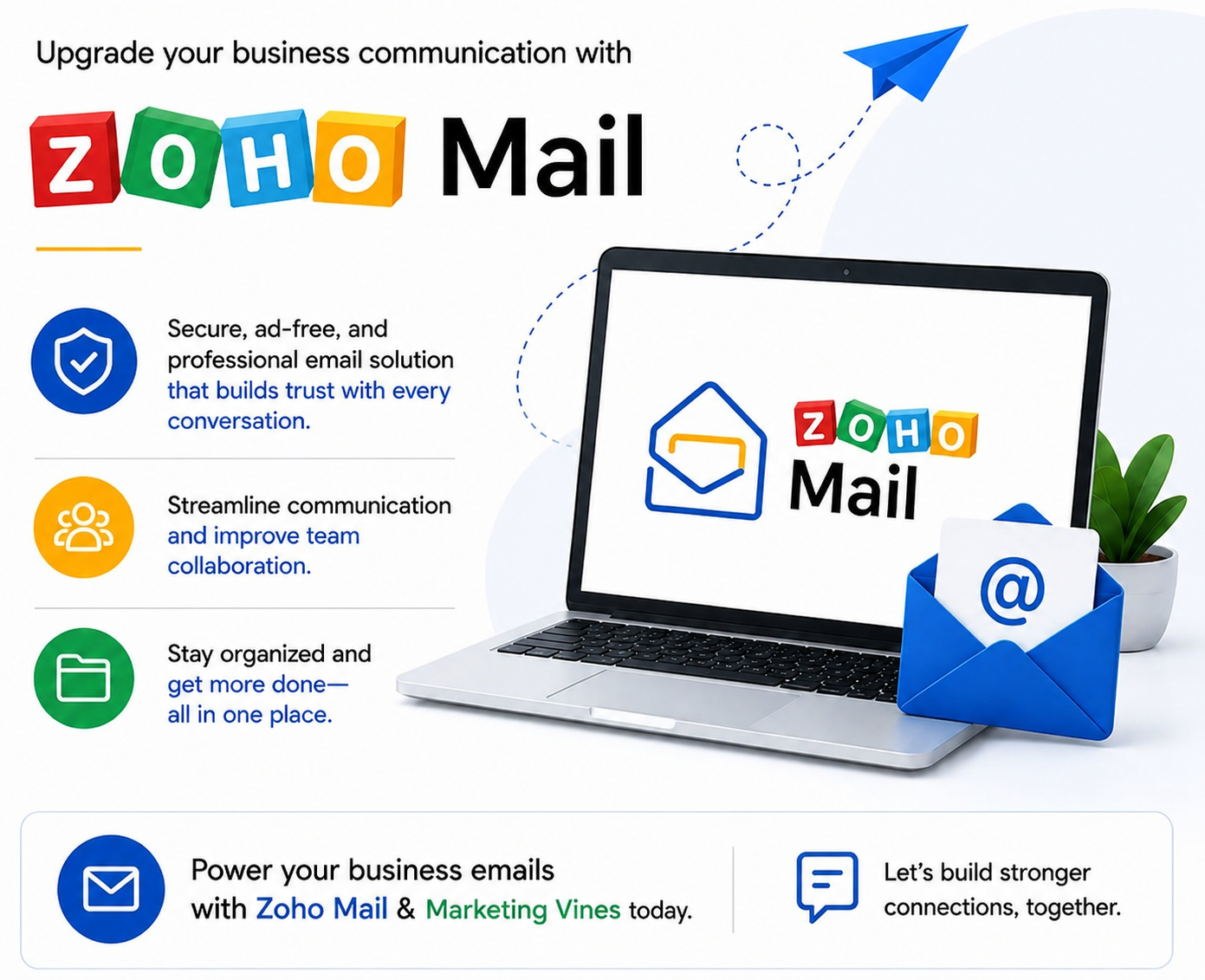
Marketing Vines recommends Zoho Mail for our home service businesses and outdoor service business clients because it combines professional domain-based email with practical tools for teams that need to communicate from the office, jobsite, truck, or home. We handle the initial Zoho business email setup and help your team get connected so you can start using your new addresses without having to figure out the technical configuration yourself.
Shared Calendars with Teams
Coordinate appointments, meetings, internal schedules, and important dates across your team.
Custom Business Email
Send and receive messages using your own company domain instead of a generic personal address.
Two Factor Authentication
Adds another layer of protection to company email accounts and sensitive customer communication.
Mobile Device Access
Check email and stay connected while moving between customers, jobsites, and the office.
Email Synchronization
Keep messages and folders synchronized across supported devices and applications.
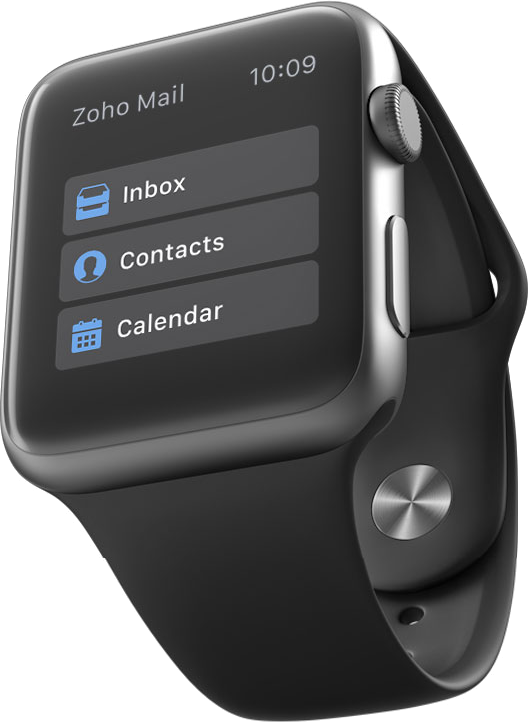
Stay Connected From the Office, Truck, or Jobsite
Apple Watch & Tablet Support
Marketing Vines recommends Zoho Mail not just for it's clean and easy to use business features and UI/UX but also the extras! With Apple Watch & Tablet support, Zoho Mail notifications about your home service business come right to your wrist and other devices so you never miss them! When a new email shows up, you can easily see which client sent it, if they need support or a new quote, and even respond by using voice commands or typing.
BUILD A MORE PROFESSIONAL TEAM
Business Email Addresses That Make Sense for Home Service Companies
The right email structure keeps communication organized as your business grows. In addition to individual employee accounts, shared addresses can give customers and staff clear places to send different types of messages. Below are some examples of the Inboxes we recommend creating.
Please Note: with Zoho Email Accounts, they currently allow up to 5 custom inboxes before you are required to signup up for a paid plan.

Crossroads Plumbing & Renovations
1800% Organic Traffic
24+ AI Visibility
Top 3 Google Maps
B&B Moving & Delivery

26+ AI Visibility
1730% Organic Traffic
18+ Page 1 Rankings
Castle Fence Company

18+ AI Visibility
403 Organic Keywords
2450% Organic Traffic
96 Keywords Ranked
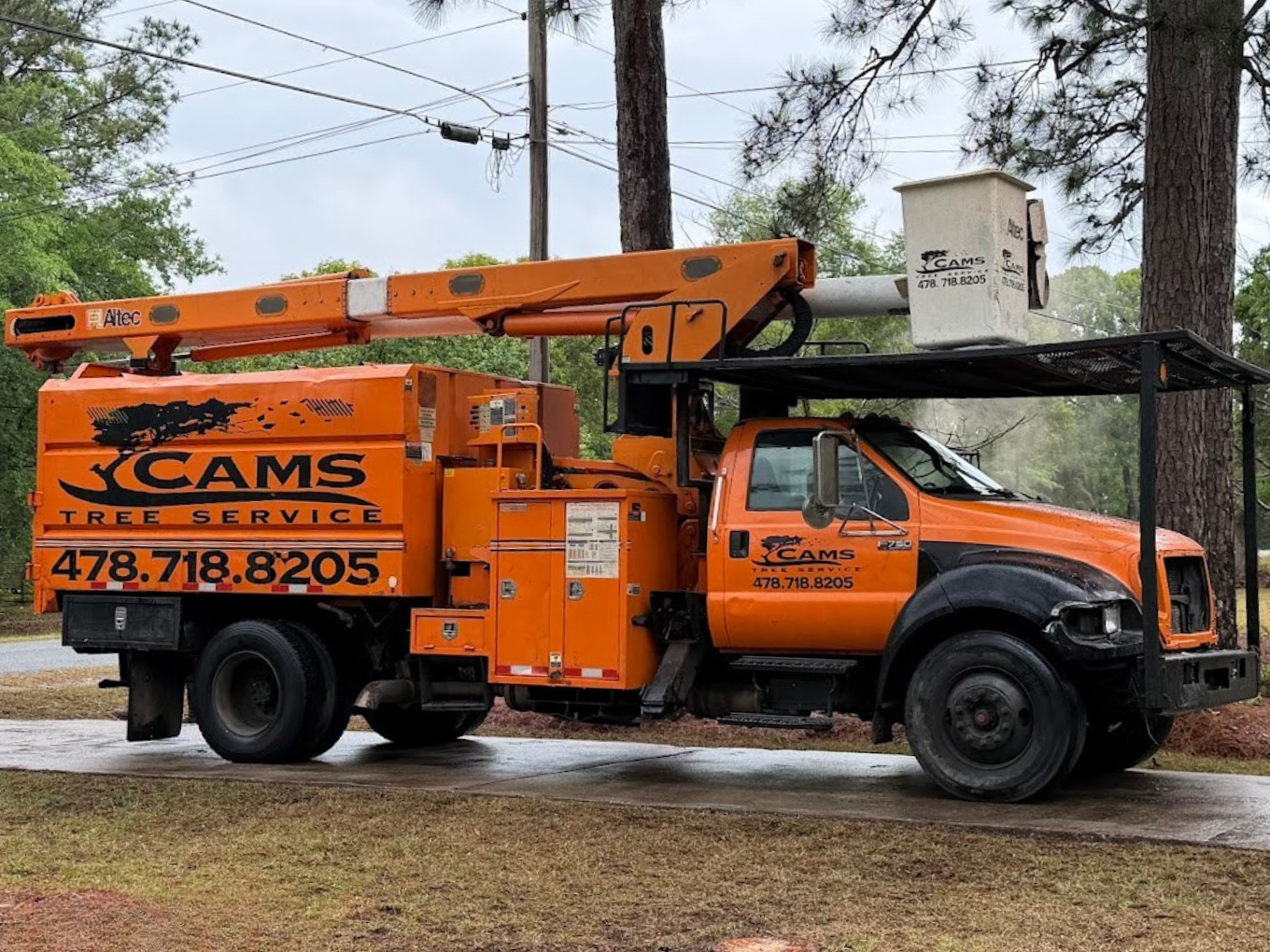
1420% Organic Traffic
16+ AI Visibility
Cams Tree Service
URL Optimization
Canonical Tags
Meeting Scheduling
OUR BUSINESS EMAIL SETUP PROCESS
We Handle the Setup. Your Team Starts Emailing.
Marketing Vines takes care of the technical work required to get your professional email running correctly. We help connect your domain, create the accounts your business needs, and make sure your team knows how to access them.
Step One
Create Your Zoho Account
*IMPORTANT: DO NOT ENTER the Email Address you want for your business! This Email Address does not exist yet. You need to sign-up with an Email Account you already have access to as a backup email.
Step two
We Setup Your Inboxes
Once you have successfully created your Zoho Mail Account, please contact our team with the details. We will login to your Zoho Admin Console and finalize setting up your inboxes!
step three
Download Zoho Apps
Once we have finalized the setup of your Professional Email Inboxes using Zoho Mail we highly recommend you take advantage of the Mobile/Desktop apps.
PROFESSIONAL BUSINESS EMAIL FAQS
Common Questions About Business Email & Zoho Mail
Get straightforward answers about professional email addresses, Zoho business email, custom domains, account setup, security, and accessing email across your devices.
What is a professional business email address?
A professional business email uses your company's domain instead of a generic provider address. For example, tim@yourcompany.com presents a more professional image than yourcompany@gmail.com. For home service businesses, that consistency can help customers recognize and trust the company communicating with them.
Why should my home service business use a custom email address?
Your email address is part of your brand. Customers may see it on estimates, invoices, appointment confirmations, website forms, and follow-up messages. Using your business domain makes those interactions look more established and keeps company communication separate from personal accounts.
What is Zoho business email?
Zoho business email allows companies to send and receive email using their own domain while providing tools for mailbox management, calendars, security, mobile access, and team communication. Marketing Vines recommends Zoho Mail for many clients and handles the setup and configuration for them.
How do you set up Zoho business email?
Marketing Vines handles the setup for our clients. We connect the business domain, create the required mailboxes, configure DNS and email-authentication settings, establish account security, and help connect supported phones and computers. We test the setup before turning it over to your team. To get started Click Here for the steps!
Can I use my business email on my phone?
Yes. We help clients connect their professional email to supported mobile devices and applications so owners and employees can stay connected while working from the office, truck, home, or jobsite.
Can I have multiple business email accounts?
Yes. Your company can have individual addresses for employees as well as shared or role-based addresses such as office@, estimates@, or billing@. We help determine a practical setup based on how your team communicates.
Is professional business email included with Marketing Vines plans?
Yes. Professional business email setup is included as a complimentary part of our Marketing Vines plans. We do not sell it as a separate standalone service; we provide it because professional communication is an important part of building a credible home service brand. We do limit free plans to 5 inboxes. After that you will need to signup for Zoho Mail's paid email plans for additional inboxes if needed. This is subject to change at anytime if Zoho discontinues their free plan.
Ready for Business Email That Matches the Quality of Your Work?
Your customers should see the same professional company in their inbox that they see on your website, trucks, uniforms, and estimates. Marketing Vines will set up your custom business email, configure Zoho Mail, and help your team stay connected with professional addresses built around your brand.